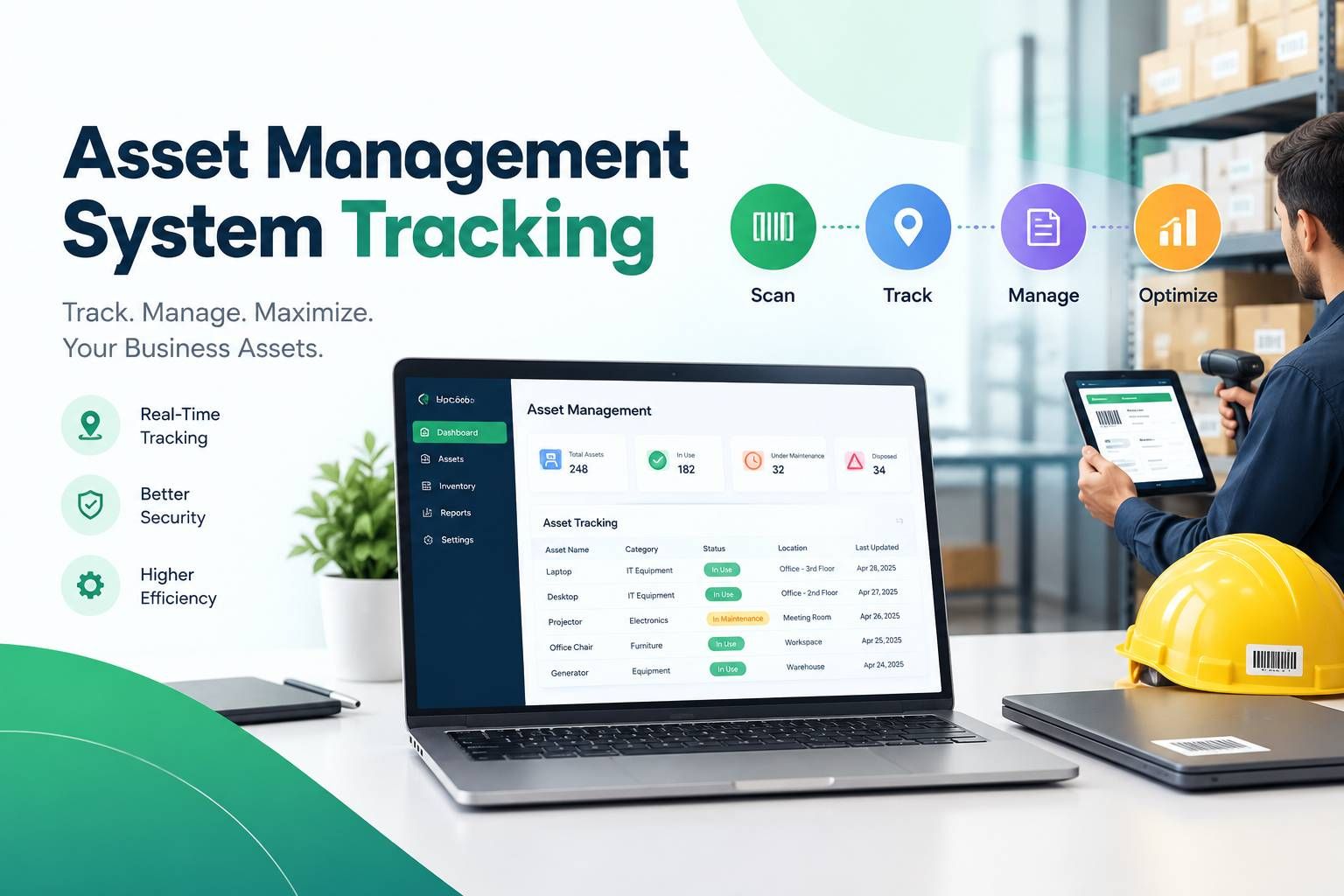
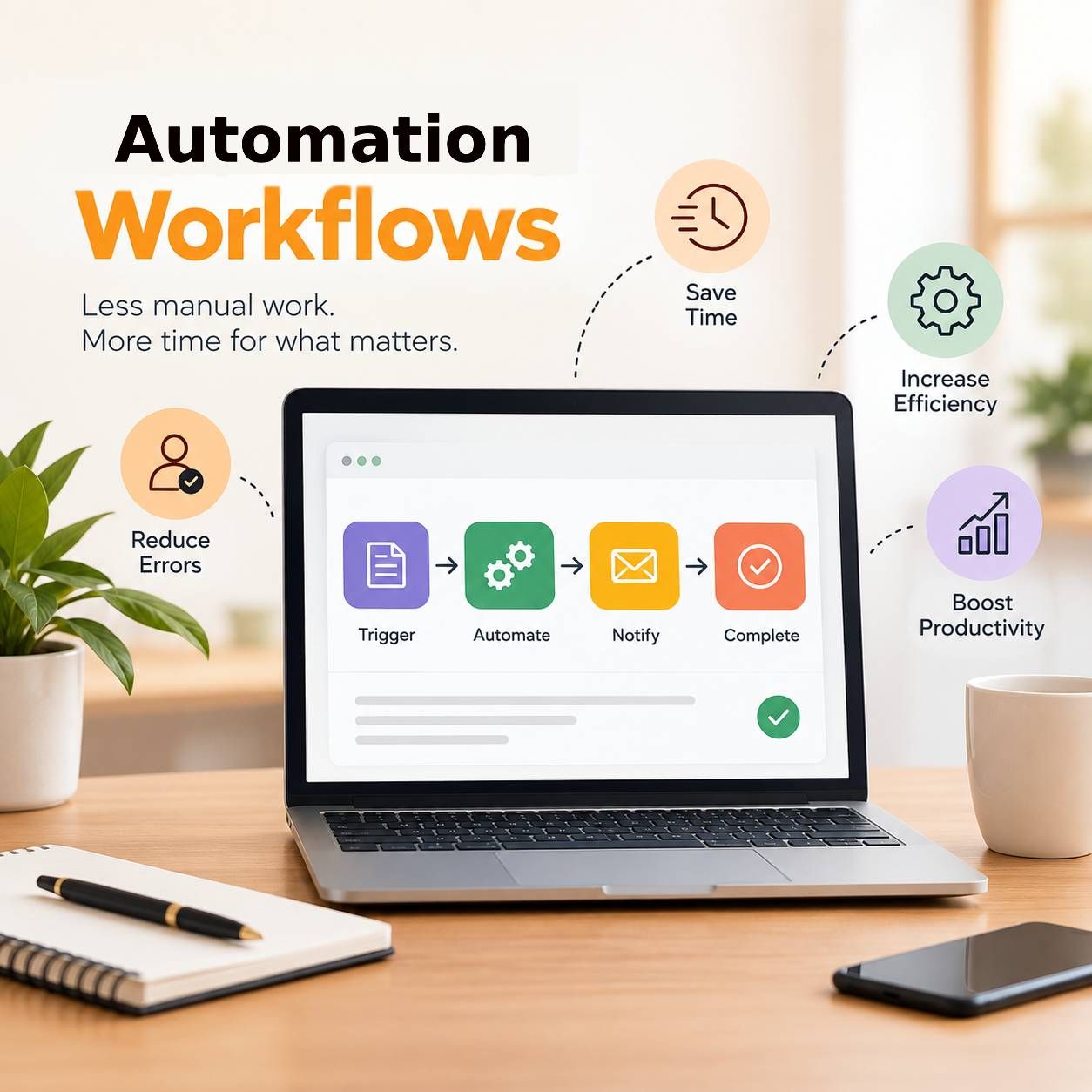
Right now, a purchase request sits in someone’s inbox. It waits for a signature that may take days. An asset bought last quarter is missing. A spreadsheet meant to track equipment hasn’t been updated in years.
This is not a tech failure. It happens when growing companies manage more assets with old, small-team processes.
The cost is real. Delayed approvals slow projects, and untracked assets create audit risks. Manual sign-offs waste hours that people could spend on better work. Leaders feel it as “things take too long” or “we keep buying what we already own.”
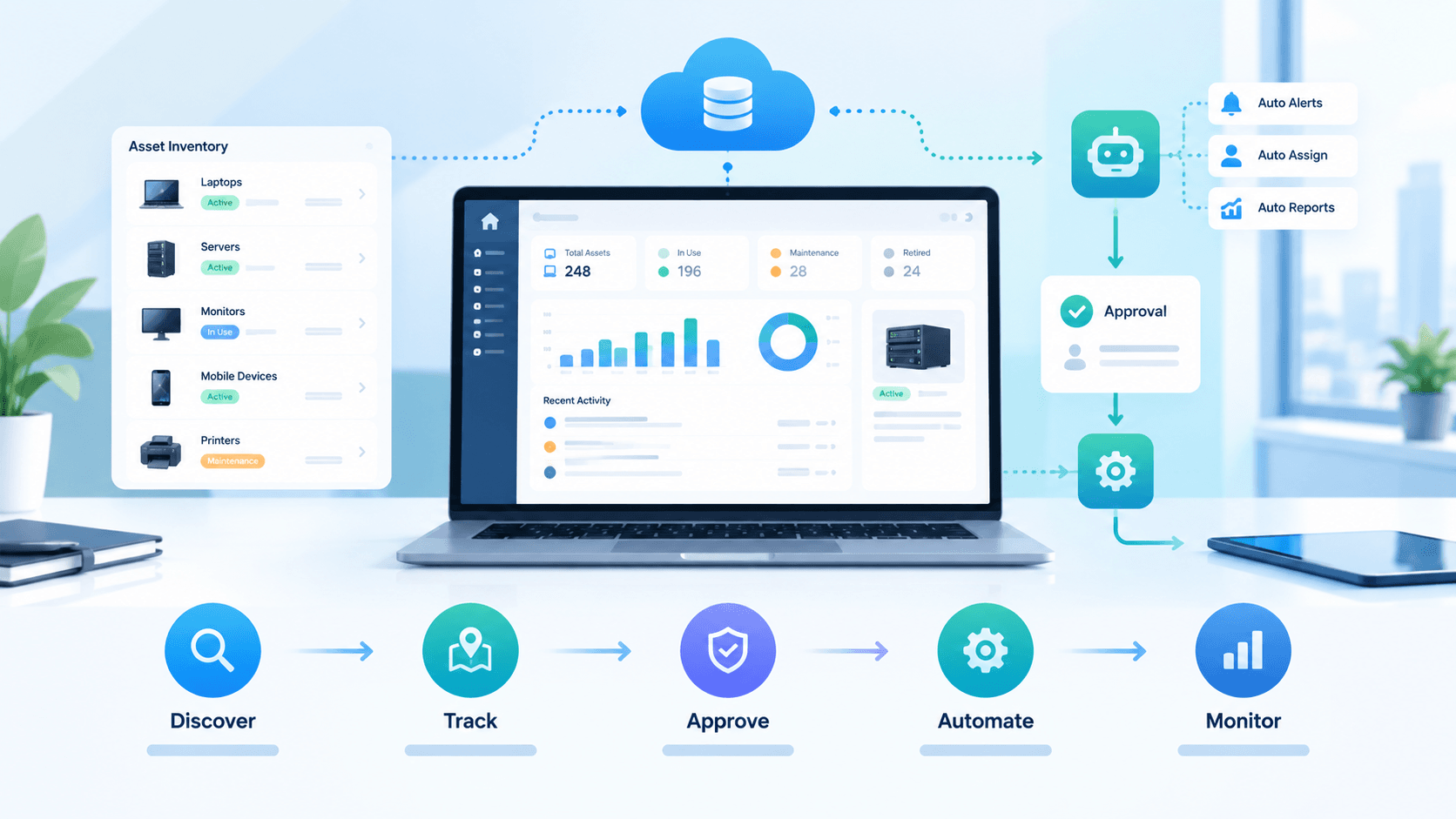
The good news is this problem has a clear fix. Companies solve it every day by moving from manual approvals to automated asset management systems. The goal is simple. Give finance, IT, and operations one reliable system. Finance, IT, and operations all work from one dependable place. You can track assets, route approvals, and actually see what’s going on.
Here’s what that looks like in practice and how to build it so it grows with the company.
1.The Real Cost of Staying Manual
When you’re small, a shared spreadsheet and a manager who signs everything works fine. Once personnel and the number of assets start going up, it falls apart fast.
You end up with:
- No single place that shows what assets exist, who has them, or when they need service
- Requests stuck for days because nothing routes or follows up automatically
- Almost no consistent audit trail
- “Ghost” assets still on the books long after they’ve been lost or retired
- Teams buying duplicates because nobody knows what’s already in the inventory
Companies without decent tracking regularly lose track of a meaningful chunk of their physical assets within a few years. That’s a process problem, not a tech one.
2.What Asset Management Workflow Automation Actually Means
The modern way of doing business has eliminated paper forms, email chains, and continuously updating spreadsheets using a systematic method based upon the rules you create. Requests continue to be processed and approved; records are updated; and reports are generated automatically and without manual intervention.
Three pieces work together:
- Real-time location, condition, and ownership are all tracked and displayed in real time.
- Workflows for approving requests automatically forward requests to the appropriate person and escalate as necessary.
- The system uses collected data to generate reports for management.
In addition, the system provides a solid base for growth while eliminating bottlenecks.
3.How Automated Tracking Changes Day-to-Day Operations
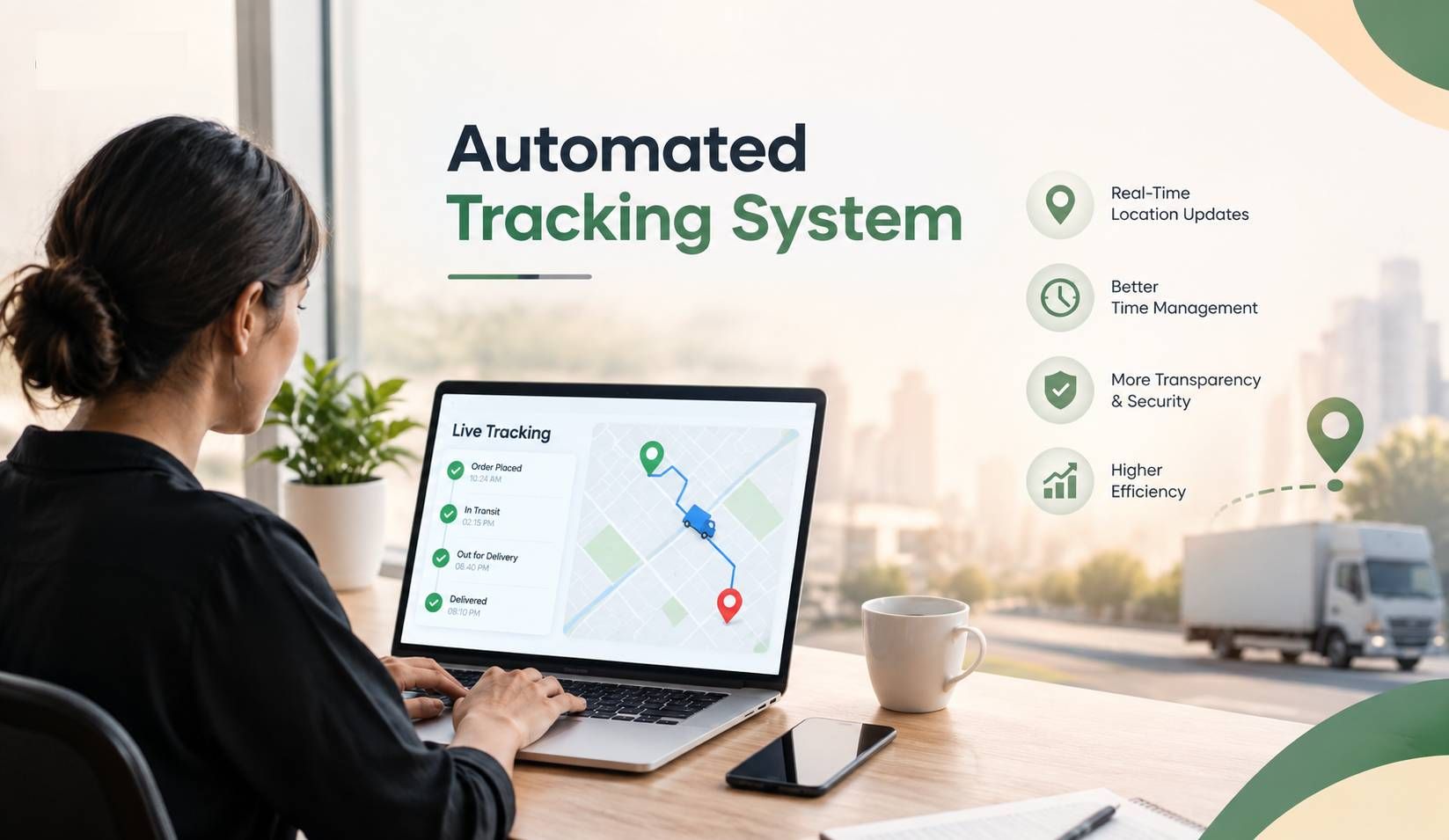
RFID tags, barcodes, IoT sensors, or just clean digital records replace the old manual logs. Teams stop guessing and start working from live data.
Location and status become instant. Instead of asking around for spare monitors, someone checks the system and gets the answer right away. That matters a lot when IT is managing hundreds or thousands of devices across offices and remote staff.
Loss drops because every asset has a clear owner, location, and status record attached to it. Most companies see a noticeable reduction in unaccounted-for assets in the first year.
Audits get simpler. The system already holds timestamped records of every action. Nobody has to dig through old emails trying to reconstruct history.
Maintenance improves too. For example, the system will provide notifications to teams regarding assets nearing the end of their warranty period or scheduled maintenance so they may proactively address potential problems before they become costly.
4.Features of a Modern System
There are many types of platforms available today. Focus on the features that actually cut manual work:
- A single searchable inventory that covers hardware, vehicles, furniture, and software licenses.
- Approval rules you can set by cost, asset type, department, or role. For example, a $50 keyboard shouldn’t need the same approval chain as a $50k server.
- Automatic notifications and escalations so requests don’t sit as they are.
- Complete lifecycle tracking of assets from the time of purchase until retirement.
- Seamless integration with procurement, human resources, and financial systems currently in place.
- Dashboards displaying utilization, outstanding approvals, spending, and compliance reporting.
5.How to Roll Out an Automated Approval Workflow Without Chaos
Don’t flip a switch company-wide on day one. Do it in stages.
Start by mapping the current process exactly as it runs today.
- Who submits?
- Who approves?
- Where do things stall?
You’ll usually find bottlenecks nobody had named before.
Then set clear, simple approval rules and thresholds. Keep them basic at first. You can refine later.
Choose a platform that matches your actual complexity. A 50-person company and a multi-location enterprise need different tools.
Piloting with one department, such as IT or facilities, usually works well. Fix the issues there before expanding.
Train people properly. Even good systems fail if people don’t trust or understand them. Short, practical sessions are enough.
Finally, watch the numbers. Track average approval time, volume, and remaining bottlenecks. Use that data to keep improving.
5.1.Managing the Full Asset Lifecycle
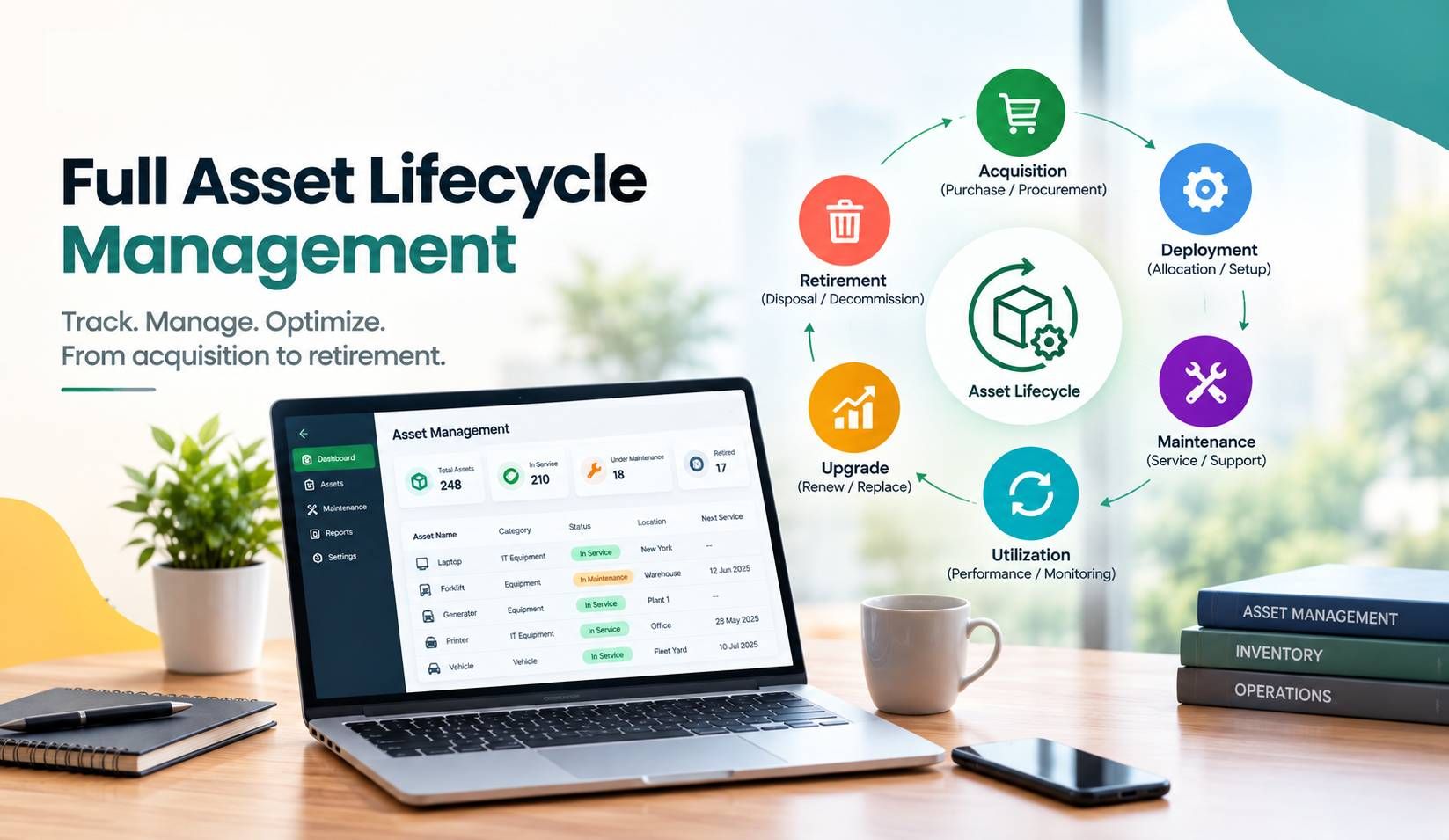
The biggest financial gains come when you control the whole life of an asset management in one system.
- Procurement can trigger automatically when inventory hits a threshold, which reduces both shortages and overbuying.
- When something gets assigned, ownership records update without anyone touching a spreadsheet.
- Service alerts go out before problems escalate, which cuts downtime and extends useful life.
At the end of life, the system documents disposal cleanly for both compliance and financial write-offs.
Companies that run the full cycle in one connected system consistently report cleaner books and more accurate valuations.
5.2.Where the ROI Shows Up
Leaders don’t buy automation because it sounds modern. They buy it because the numbers work.
Approvals that used to take days drop to hours, so new hires get productive faster. Lost and duplicate assets decrease, which protects the budget. Admin time spent chasing signatures drops, freeing people for higher-value work. Audit trails become automatic, reducing compliance risk. And finance gets better data for capital planning.
"A mid-sized logistics company managing thousands of assets across warehouses" is a typical example. Before automation, a single equipment request could take a week and involve multiple email threads plus a physical signature. Afterwards, the same request usually closes in under a day with a clear record of who approved what and when. That kind of shift can change the degree of certainty with which a company can grow.
6.How to Select the Platform That is Right for You
Stop paying attention to the hype. Check these points:
- Is this something that can scale with your current volume?
- How simple is it for people to actually use it?
- Is it well integrated with the tools you are already using?
- Is it built-in, not bolted-on, security-first access controls and audit reporting?
- What level of support and proof that the vendor can be relied on?
7.What’re the Most Common Challenges and How to Approach Them?
Even when the old process is painful, people resist change. Be very straightforward about how the new system lightens their load, rather than adds steps.
Migrating years of spreadsheet data takes planning. Start with the most critical asset categories and phase the rest.
Don’t try to automate every possible exception on day one. Simple rules first, then refine.
Even intuitive systems need a short training period. Skipping it creates more support tickets later.
8.Final Thoughts
Switching from manual approvals to automated asset management isn’t mainly about saving paperwork time. It’s about giving leadership a clear, current view of what the company owns, how it’s used, and where money is being spent or wasted.
Companies that make the move early build a foundation that supports growth. Those who wait tend to manage complexity instead of assets. If your teams are still running around for signatures and reconciling spreadsheets, the cost of staying manual is likely far higher than it appears, but getting onto a better system is much less of an uphill battle than many imagine.
9.Common Questions Along With Their Answers
Check out all these additional questions that most users got stuck on.
Q1. Why move away from manual asset approvals?
Ans. They create delays, increase the chance of lost or duplicate assets, and make clean compliance reporting hard. Automation routes requests instantly and keeps a complete digital trail.
Q2. What’s the difference between asset tracking and lifecycle management?
Ans. Tracking tells you where something is and what status it has. On the other hand, lifecycle management spans from purchase and maintenance through to retirement.
Q3. How long does implementation usually take?
Ans. It varies by size and complexity, but most companies can pilot with one department in weeks and roll out across the company in months.
Q4. Does automation remove human approvers?
Ans. No. Routing, notifications, and maintaining records are all done by the system. Decisions are still ultimately made by people. It just removes the delays in getting the request to the right person.Ans. No. Routing, notifications, and maintaining records are all done by the system. Decisions are still ultimately made by people. It just removes the delays in getting the request to the right person.
Q5. How does it improve compliance?
Ans. Every action from request to disposal is logged with timestamps. That creates a reliable audit trail without anyone having to rebuild records by hand.
Q6. Is this only for large enterprises?
Ans. No. Growing mid-sized companies often gain just as much because automation prevents the process breakdowns that typically appear during rapid growth.