1.Introduction
Your team spends days chasing missing laptops. They reconcile software licenses in spreadsheets and scramble during audits. Assets sit unused, new purchases keep coming, costs rise, and risks stay hidden.
In 2026 hybrid setups make this worse. You deal with on-premises hardware, multi-cloud tools, SaaS apps, and short-lived containers. Visibility into the full technology estate has dropped in some reports. AI tools create new blind spots. Shadow IT and underused tools drain budgets.
Mature asset management programs reduce costs. They reclaim licenses, extend hardware life, and lower audit risk. The global asset management software market shows the need. According to Dataintelo, It stood near $19.8 billion in 2025 and experts project it will reach $47.6 billion by 2034. That is a growth rate close to 10.3 percent each year.
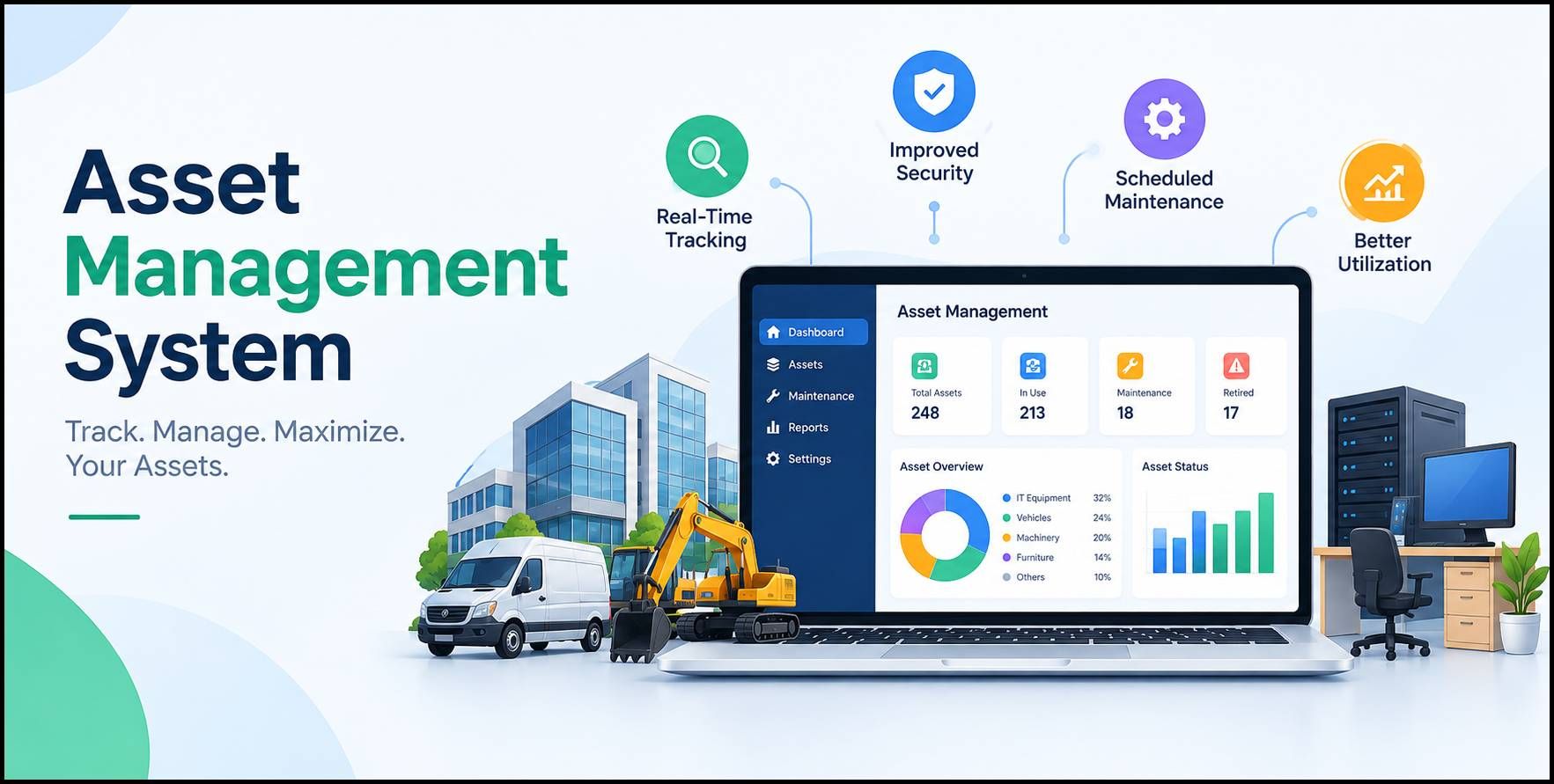
A good asset management system turns scattered data into one clear view. It helps with capital decisions, boosts efficiency, and builds a competitive edge. The key features in 2026 focus on real results. They lower total ownership costs, strengthen compliance, as well as scale as your business grows. Here is what C-suite leaders, founders, and digital transformation teams should check in this guide.
2.Essential Features of Asset Management System
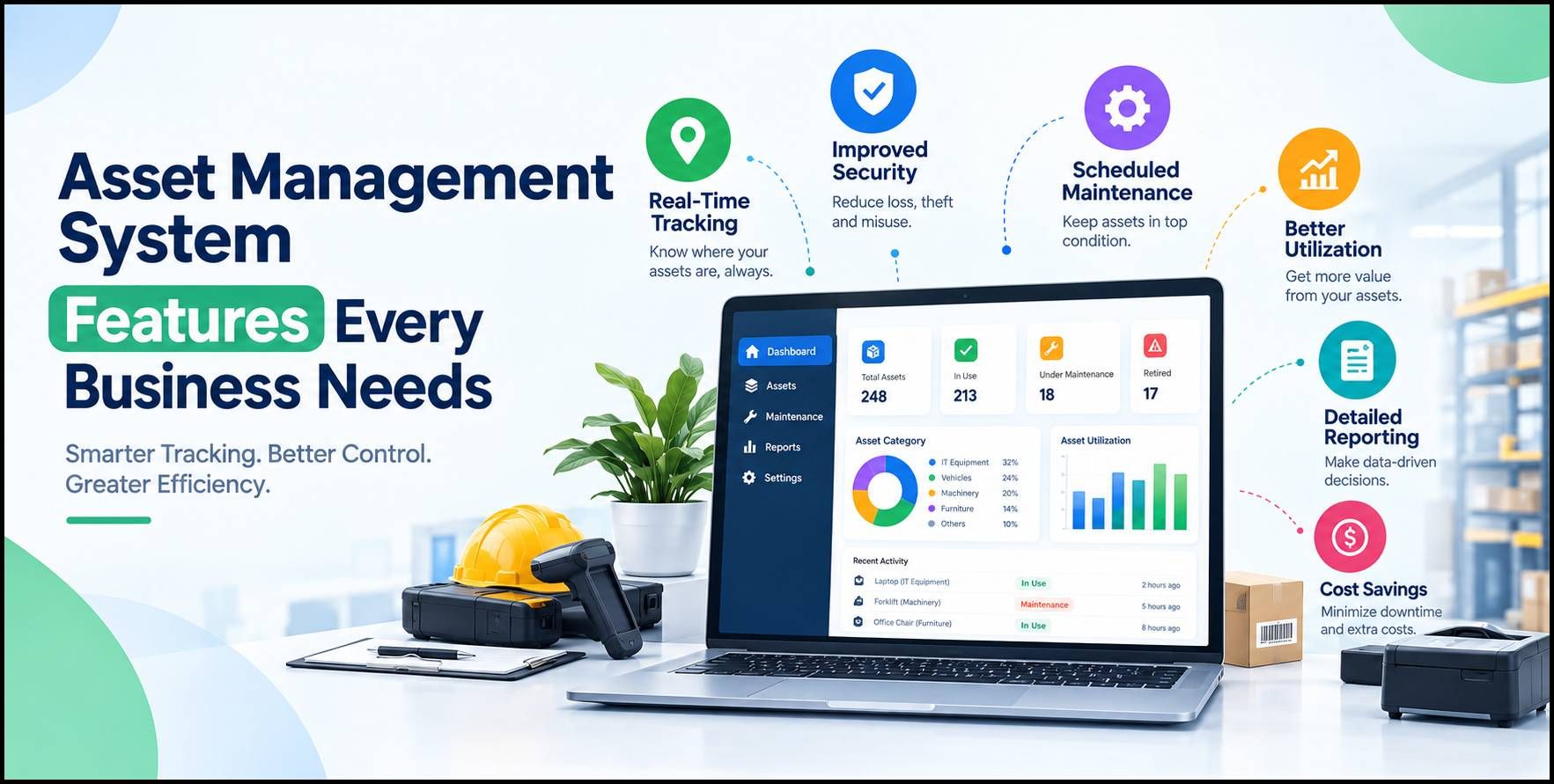
These are the listed most important features that every business should see while choosing asset management software to boost operational efficiency and minimize risk.
2.1.Centralized Asset Repository and Real-Time Inventory Visibility
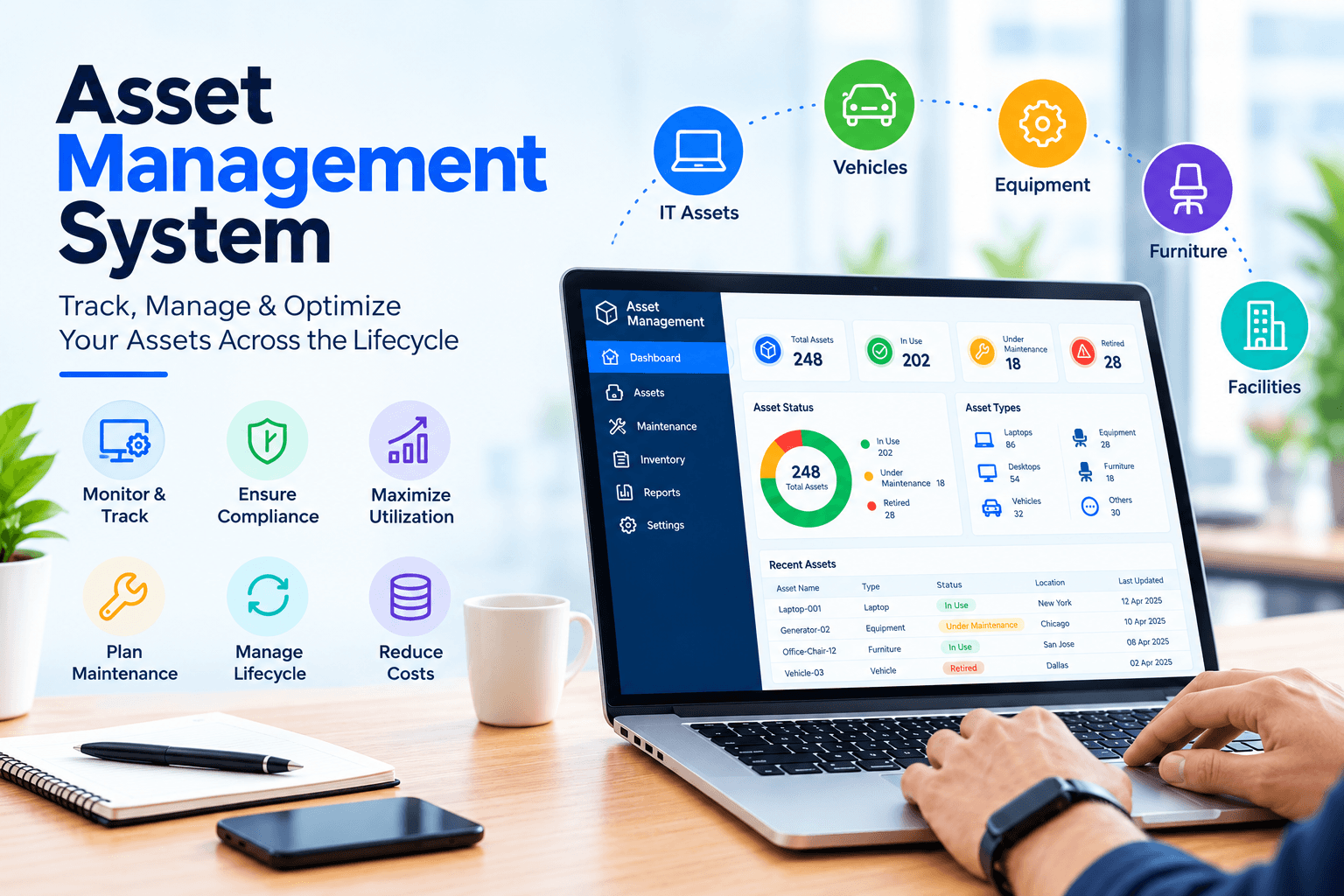
A strong asset management system needs one central place for all data. Right now asset details live in cloud consoles, tickets, spreadsheets, and buying systems. Without a single inventory, teams stop trusting the numbers. They decide with incomplete facts.
Choose automated discovery. It scans networks, devices, cloud accounts, and identity tools all the time. In addition, it finds hardware, software licenses, SaaS apps development, virtual machines, and containers. Along with that, it needs little manual work.
- Real-time updates keep the list current as things appear and vanish.
- Value shows up fast.
- Finance gets clear cost and depreciation data.
- IT stops buying extras because it sees what already exists and who owns it.
- Operations reduce time on manual checks.
Companies with this single source of truth answer basic questions quickly.
- What assets do we have?
- Who uses them?
- What do they cost?
A mid-sized firm can reclaim many unused licenses in the first months just by seeing real use.
Add flexible tags, relationship maps, and clear group views. You can sort assets by team, location, or importance. Decisions get faster, and unexpected events drop during planning.
2.2.Full Asset Lifecycle Management from Planning to Retirement
Asset lifecycle management follows every stage. It covers planning and buying, setup, daily use and upkeep, review, and safe removal. Incomplete tracking wastes money. Hardware gets replaced too soon, software renews without checking use, and removal skips proper data wipe.
A solid system supports full workflows. It logs buy costs, warranties, assignment history, upkeep records, and end status. Alerts flag upcoming renewals, support end dates, or weak assets. Links to buying and finance systems create a feedback loop. Past results guide future buys.
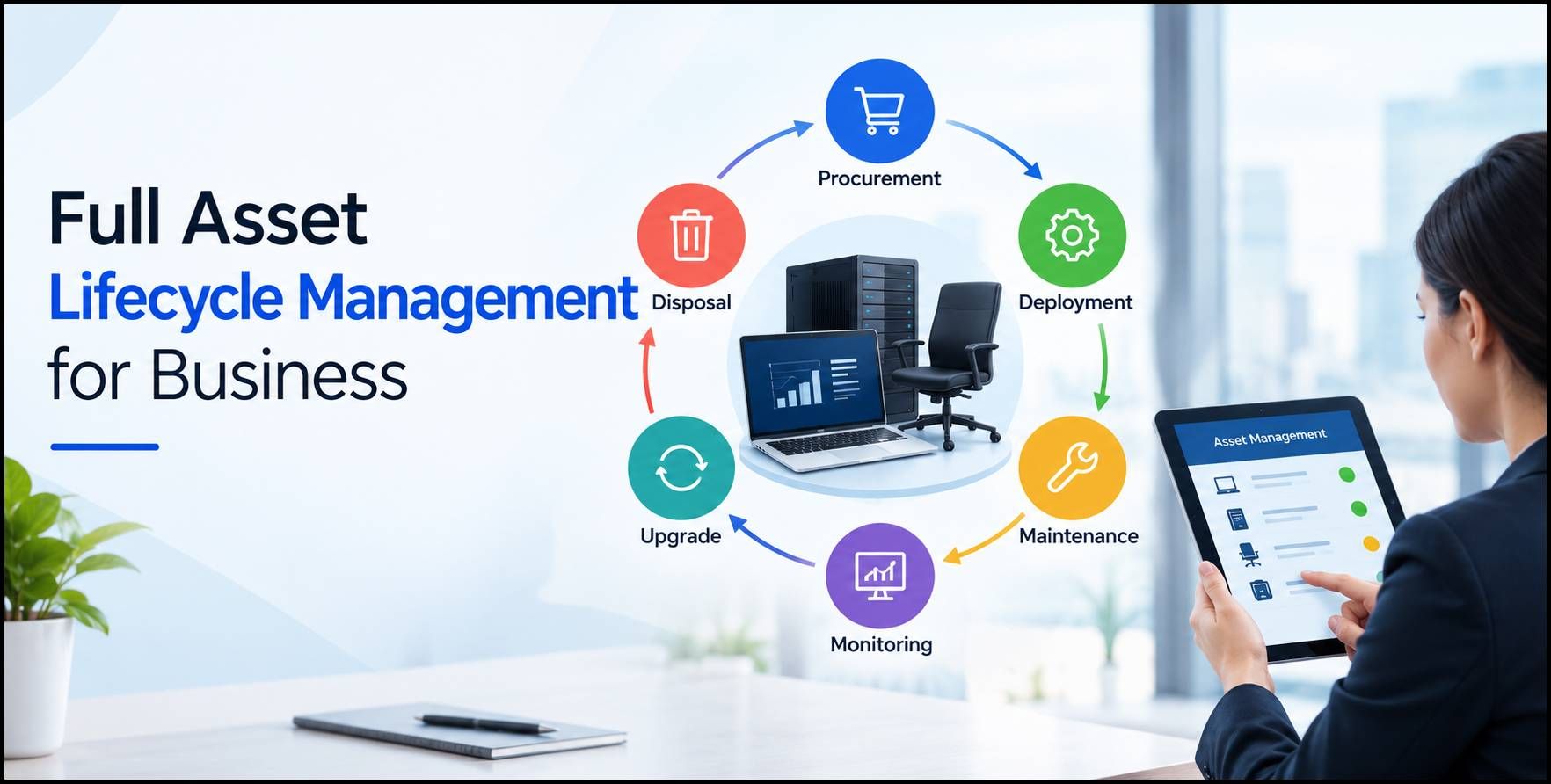
Consider an example of a manufacturer handling both IT devices and factory machines. Lifecycle views show which machines give the best uptime for the upkeep spend. Extending healthy hardware by one year can cut capital costs a lot. Studies show hardware life extension often drives 40 to 60 percent of IT asset management returns. It often beats pure license savings.
The same idea works for software and cloud tools. Ongoing use data finds seats to reclaim or resize before renewal. This proactive style replaces last-minute fixes. Budgets become more predictable.
2.3.Utilization Analytics, Optimization, and Cost Control
Knowing an asset exists is not enough. You need to know if it creates value. Use analytics as the base for better choices. Top systems show detailed software use, login rates, cloud resource use, and equipment rates.
These facts lead to clear actions.
- Reclaim unused licenses.
- Talk better deals with vendors using real use numbers.
- Shut down idle cloud resources.
- Match license types to actual needs.
In 2026 proactive optimization is standard. Reactive license work fails when bills change fast and AI tools add volatility. Teams that focus on best software development and optimization see real savings. License reuse alone creates strong value for many firms. Better deals and less shadow IT add more gains.
Dashboards should turn data into clear views for leaders. Show cost by team, underused groups, spend forecasts, and risk maps. When leaders see clear returns, asset management moves from a cost item to a strategic tool.
2.4.Automation, AI-Driven Insights, and Predictive Capabilities
Manual work cannot match fast-changing setups. Automation handles discovery, assignment steps, renewal notes, and basic checks. AI and machine learning software raise the level. They spot patterns, predict future needs, and flag odd events.
Look for tools that auto-find software installs. They study use patterns as well as forecast license or capacity needs. Predictive models can show assets that may fail, age out, or hit capacity limits. Anomaly checks catch strange resource creation or sudden cost jumps.
These features cut daily load and raise accuracy. Incident response speeds up because data stays current. Capacity planning looks ahead instead of reacting. Groups using advanced AI in IT operations report big efficiency and cost gains. Teams spend less time on routine tracking. They focus on higher-value work.
Cloud-native design supports this smart work at scale. It handles hybrid and multi-cloud setups without old tool limits.
2.5.Seamless Integrations, Mobile Access, and Workflow Support
A standalone asset system creates new gaps. Pick platforms that connect cleanly to your current tools. After that, link to IT service systems, identity tools, buying platforms, finance systems, security tools, and HR systems. API links and event syncs keep data moving without constant manual fixes.
Mobile tools matter for field teams and physical checks. Barcode, QR code, and RFID support allow quick audits and updates on-site. Plus, offline mode keeps work going in weak signal spots. Photo capture and exception notes add clear records during physical reviews.
Workflow automation enforces rules. Request-to-setup steps check existing stock before new buys. Removal steps include data wipe and certified disposal tracking. These cut rule breaks and strengthen control without extra red tape.
2.6.Security, Compliance, and Audit Readiness
Asset data supports security and rules. Incomplete lists leave gaps that attackers use and auditors question. Choose features that keep a solid, current register ready for frameworks like SOX ITGC or ISO 27001.
Change history, ownership records, and setup details help fast incident response and risk ranking. Role-based access protects sensitive asset facts. Automated compliance reports turn weeks of rebuild work into a simple export.
In regulated fields or those with sensitive data, these tools lower audit findings and costs. They also improve risk control and link assets to business services and show key connections.
2.7.Scalability, Reporting, and Enterprise Governance
As the company grows, the system must grow too. It should not need matching rises in staff or complexity.
- Cloud models give flexibility and steady updates.
- Custom dashboards and reports serve different people.
- IT gets detailed views.
- Leaders get high-level money summaries.
Governance tools include rule enforcement, approval paths, and clear records. These create accountability across teams while keeping one true source of data.
3.Putting the Features to Work: Practical Business Outcomes
When these features work together, results grow. One clear view cuts waste on underused technology. Lifecycle rules extend asset value and improve money decisions. Analytics and automation free teams from manual tasks. Compliance becomes normal work instead of a crisis.
Real patterns show companies recovering solid shares of software spend through better use. They avoid early hardware swaps, as lower the cost of keeping accurate lists. Average enterprises run hundreds of apps and face rising tech complexity. These gains protect margins and free resources for new ideas.
The edge is clear. Firms that treat asset data as a strategic asset make faster, better technology choices. They adapt quicker to market and rule changes and show stronger operations to boards, investors, and partners.
4.Conclusion
Choosing an asset management system in 2026 means looking past simple lists. The features that create lasting value build visibility. They enforce lifecycle rules, reveal savings chances, automate routine work, Developing an MVP and support secure, scalable operations. Leaders who pick these features help their firms control costs, cut risk, and get the most from every asset.
The business effect goes beyond IT efficiency. Accurate asset facts strengthen money planning. They support digital change efforts and build stronger operations. In a market full of complexity and fast change, the right system becomes a base for lasting competitive strength.
5.FAQs
Q1. What core features should businesses prioritize in asset management software for 2026?
Ans: Focus on a central repository with automated discovery. Include full lifecycle tracking.
- Add use analytics.
- Use AI-supported optimization.
- Choose strong connections and compliance-ready reports.
These give the clearest path to cost control, risk reduction, and better operations.
Q2. How does an asset management system improve ROI for enterprises?
Ans: It cuts waste through license reclaim and hardware life extension. Also, it lowers audit and compliance costs, reduces manual effort, and improves capital planning accuracy. Studies of mature programs show multi-year returns from these steps.
Q3. Why is real-time discovery critical in hybrid and cloud environments?
Ans: Assets appear and vanish fast across clouds, containers, and SaaS. Manual or periodic updates cannot keep up. Continuous discovery keeps an accurate list. Teams act on current data instead of old assumptions.
Q4. How can asset lifecycle management help control long-term costs?
Ans: It tracks performance and total ownership cost from buy to removal. Organizations extend the life of healthy assets. They time replacements well. They avoid both early spending and sudden failures.
Q5. What role does AI play in modern asset management systems?
Ans: AI studies use patterns. It predicts license or capacity needs, spots anomalies, supports proactive optimization, and moves teams from reactive tracking to forward-looking support while cutting routine work.
Q6. How should leaders evaluate scalability and integration when choosing a system?
Ans: Confirm the platform handles growth in asset numbers and complexity without major changes. Test native or API links to existing IT service, finance, identity, and security tools. Make sure the system strengthens your stack instead of splitting it.