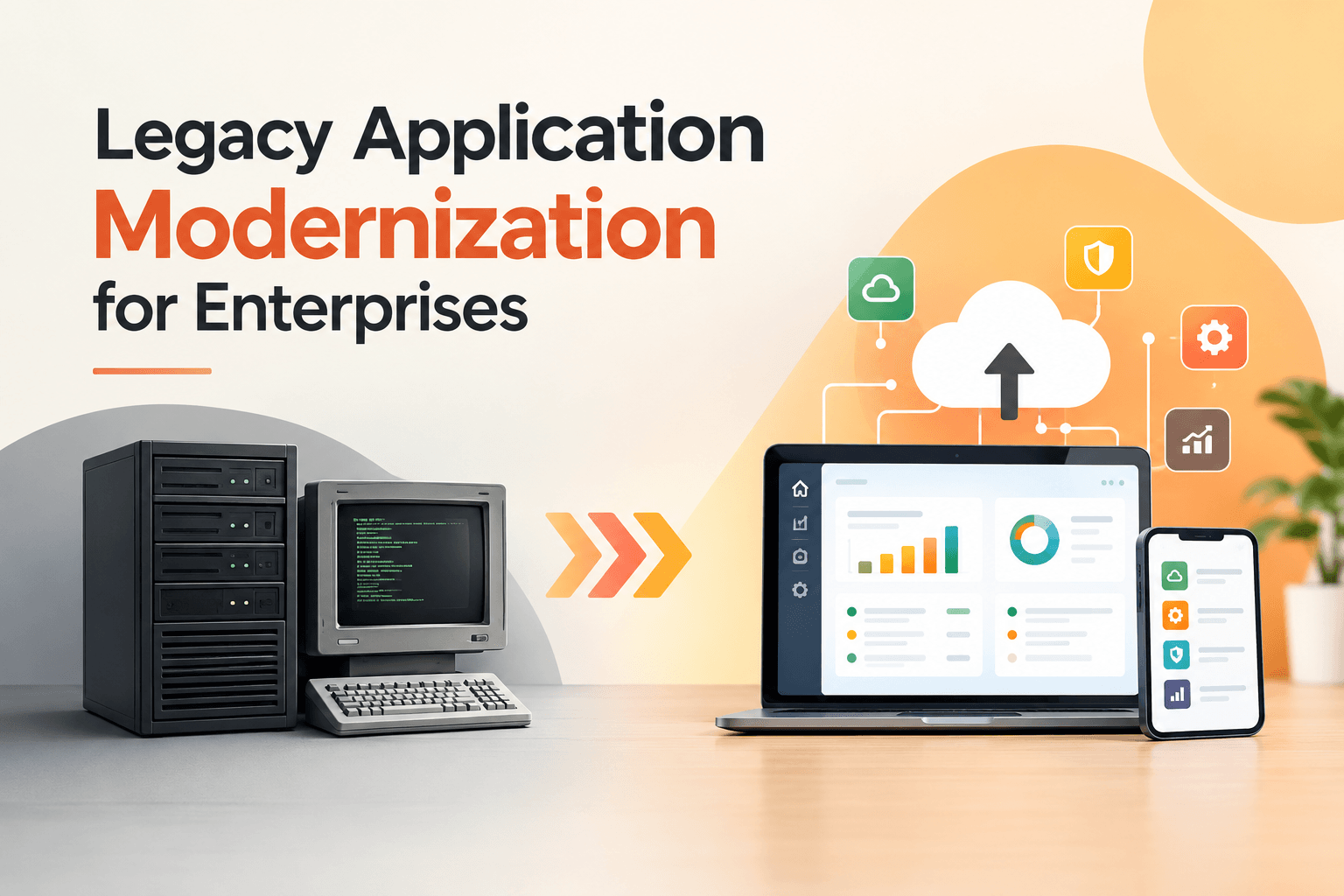
Your systems still keep the business running. Orders process. Claims get paid. Stock levels stay right. But every new idea runs into the same problem. A simple product update takes months. A rule change from regulators means weeks of workarounds. The few people who truly understand the old code are hard to find and costly to keep.
Most large companies live with this every day in 2026. DesignRush shows they still put 70 to 80 percent of their IT money into just keeping old systems going. One recent look found that 76 percent of firms spend 70 percent or more of their technology budget on maintenance. At the same time, the market for updating those old systems is growing fast. It went from about $19 billion in 2025 and is heading past $37 billion by 2030. Leaders no longer treat this as optional tech work. They treat it as a basic business choice.
This guide breaks down what legacy application modernization really means for big companies. It covers challenges, methods, and a clear process that turns plans into real progress. Different applications need different fixes. Trying the same approach on everything usually fails.
1.Why Old Systems Quietly Slow Companies Down
Legacy applications are not just old software. They are systems that no longer match how the business works today. Many still operate on platforms first built before 2000, such as:
- Visual Basic 6
- Older mainframe setups
- Classic client-server designs and aging databases still handle important work in banking, insurance, manufacturing, retail, and government.
These systems often hold years of business rules that live only inside the code or in the heads of a few long-time staff.
The effects show up in plain sight.
- Upkeep costs keep rising while money for new work falls short.
- Security gaps get wider because fixes become harder.
- The system struggles when demand increases, or new ways to reach customers appear.
- Data stays locked in separate places, so any analytics or AI project moves slowly and costs more.
- The talent problem grows too. Fewer people want to work on unsupported platforms.
Waiting makes it worse. The hidden debt builds up. Competitors launch features faster. Customers expect smoother service. New rules arrive that the system cannot handle easily. The real question is not whether to update. It is how to update without stopping daily operations while still controlling risk and showing clear payback.
2.What Updating Actually Gives the Business
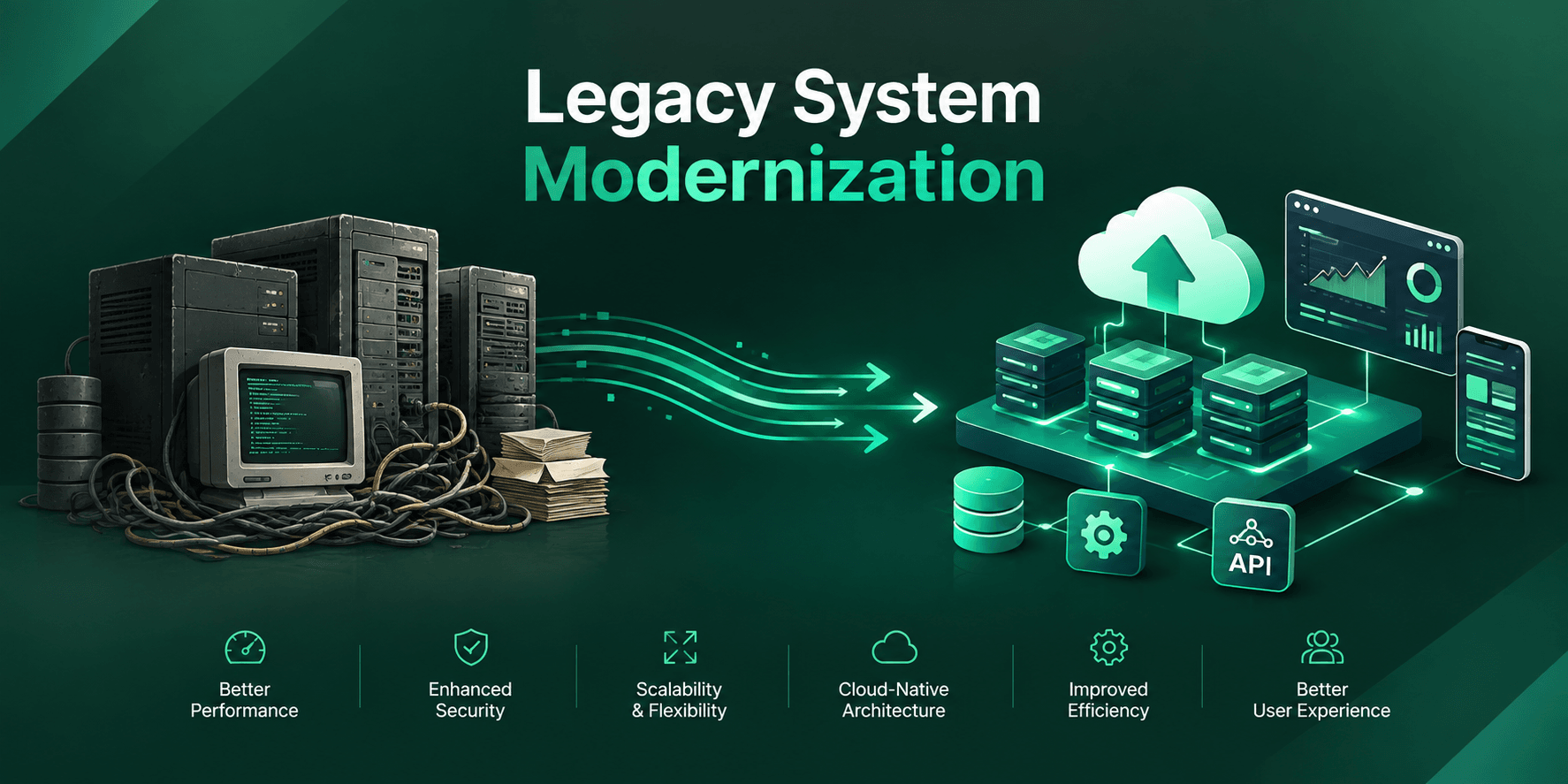
Application modernization means updating existing software so it supports today’s goals and tomorrow’s plans. It can mean moving to the cloud, fixing the structure, swapping out pieces, or simply turning off systems that no longer help. The goal is never tech for its own sake. The goal is lower costs, faster delivery, stronger reliability, better customer experience, and the chance to use new tools like AI.
2.1.Real Business Examples
Take a mid-sized insurance company. Their policy system needed weeks of manual fixes every time a regulation changed. After a step-by-step program that moved stable parts to new servers and cleaned up the high-change pieces, update cycles dropped from months to days. Upkeep costs fell. Specialists could finally work on digital tools customers actually use.
A manufacturing firm had the same limits around stock and orders. They started by reviewing every system they had. They turned off low-value tools, moved others to new infrastructure, and rebuilt the core order engine. Work flowed faster. Outages dropped. Real-time reports became possible without constant emergency fixes.
2.2.Why These Results Matter to Leaders
These outcomes create a real advantage:
- Faster releases let the company react more quickly to the market.
- Lower upkeep frees money for growth.
- Better data access supports AI work that once felt impossible.
- Stronger security lowers the chance of costly problems.
- The ability to scale lets the business handle busy periods without matching cost increases.
3.The Problems Most Teams Run Into
Even a strong case for change hits real friction. Knowing the problems helps leaders plan better.
- Hidden business rules: Rules that grew over years often live only in the code or in people’s memory. When those people leave, the knowledge leaves with them.
- Surprise connections: Mapping how systems link almost always finds unexpected ties to other tools, partners, or overnight jobs.
- Data quality and migration risk: Moving old records is especially hard when history must stay accurate and easy to check.
- Skills shortages: Engineers who know the old platforms are retiring or moving on. People who know modern cloud system setups stay in high demand.
- Scope expansion: Teams try to fix every known issue at once instead of ranking by value and risk.
Why These Problems Are Manageable
These issues are real. They are also solvable. Careful checking, step-by-step work, and clear ownership turn them into controlled challenges. Programs that treat the update as one huge rewrite usually struggle, and a set of sequenced decisions succeed more often.
4.Common Legacy Application Modernization Strategies
No single method fits every application. Here is what each approach actually does:
- Retire works when an application adds little or no value. Usage numbers and simple talks often show systems that can simply be turned off or stored away. This step cuts cost and complexity right away.
- Retain is the right call for systems that still meet needs at an acceptable cost and risk, or for ones that must wait until related systems move first. Not every application needs change in the current round.
- Rehost, sometimes called lift-and-shift, moves the application to new servers or cloud space with almost no code changes. It works well when the company needs to leave an old data center or when hardware support is ending, and the application itself still works. Cost and risk stay relatively low, though the old limits travel with it.
- Replatform adds small improvements such as a managed database or a container setup while keeping the core application mostly the same. It captures more cloud benefits than pure rehosting without the full cost of a redesign.
- Refactor improves the inner structure of the code and design while keeping what users see the same. Teams often use it on high-value applications that need better modularity, easier testing, or better speed.
- Rearchitect redesigns the application for modern patterns such as smaller independent services.
4.1.How Most Portfolios Break Down
Most company portfolios need a mix. Experience shows:
- A large share of applications fall into retire, retain, or rehost.
- A smaller set of key systems justifies deeper investment.
Choosing one clear method per application stops the costly mistake of treating every system the same.
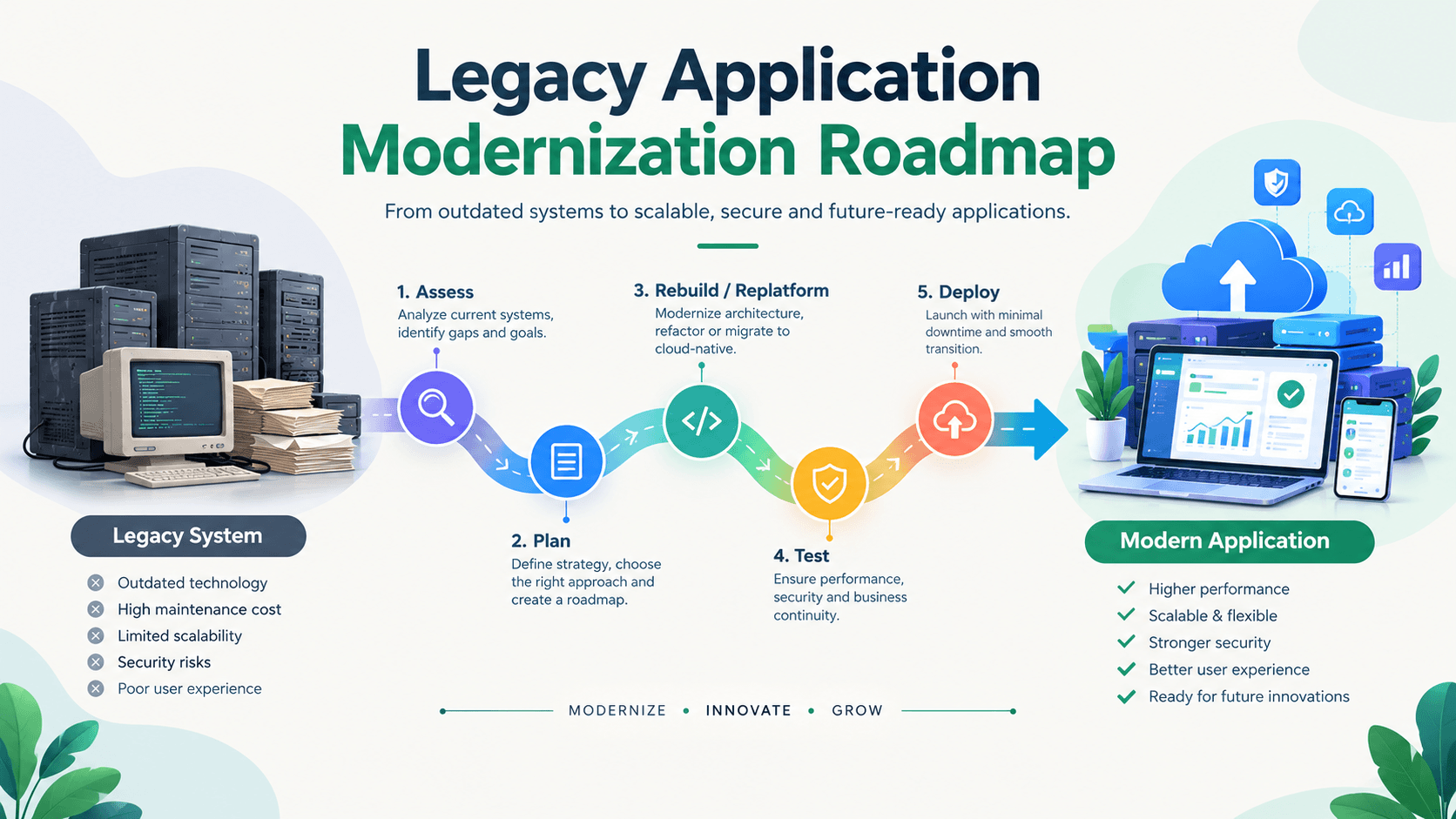
5.How to Build a Legacy Application Modernization Roadmap
A solid roadmap starts with checking what you have, not with picking technology.
Step 1: Assess the Full Portfolio
The team lists every application and notes:
- Who owns it
- Who uses it
- How much it matters to the business
- How healthy the tech is
- What it costs
- What risks it carries
- How it connects to other systems
- What the data looks like
Scoring applications on two simple measures. How critical they are and how much technical debt they carry quickly shows priorities. High-value systems with high technical risk become early candidates for deeper work. Low-value systems become candidates for turning off or leaving alone for now.
Step 2: Choose the Right Method
For each application, the team picks one of the paths above and estimates:
- Cost
- Time
- Risk
- Expected benefit
This creates a ranked list of work instead of one giant project plan.
Step 3: Run a Pilot
Updating one limited, typical application from start to finish tests the assumptions, surfaces hidden connections, and builds confidence. Lessons from the pilot improve estimates and processes for the larger program.
Step 4: Execute in Waves
The real work moves in controlled stages:
- Foundations come first: identity controls, networking, monitoring, security rules, and automated pipelines.
- Low-risk systems move next.
- Key systems follow in controlled steps.
Many teams use a pattern called the strangler fig. New pieces are built beside the old system. Traffic shifts little by little. The old piece is turned off only after the new path proves reliable. Running both systems side by side and testing in parallel protects daily operations during the switch.
Step 5: Keep Oversight and Adjust
Clear oversight keeps everything on track:
- Success measures link to business results such as "lower costs, faster releases, fewer outages, and better customer numbers".
- Change control stops the work from expanding.
- Regular reviews of the full set of systems adjust priorities as the business changes.
6.Best Practices for Successful Application Modernization
Successful programs share clear habits.
- Start with discovery and mapping connections rather than jumping into code changes.
- Bring long-time business and technical people in early so hidden rules surface before they become expensive surprises.
- Measure the full cost of doing nothing, including missed chances and risk, so the case for change stays grounded.
- Sequence work by value and risk instead of trying to do everything at once.
- Invest in automated testing based on real daily behavior.
- Treat the move of data as a full workstream with checks, matching, and backup plans.
- Build internal skill alongside outside help so knowledge does not stay locked with vendors.
- Talk about progress in business terms that both top leaders and frontline teams understand.
A strong case for change tracks more than project spend.
It captures:
- Lower upkeep and infrastructure costs
- Fewer outages
- Faster feature delivery
- Stronger security
- The new capabilities the company can now pursue
Many programs reach positive cash flow within 12 to 24 months for step-by-step approaches and a bit longer for deeper redesign. Returns often continue for years as the updated platform supports more initiatives.
7.Wrapping Up Words!
Legacy application modernization is not a pure technology choice. It is a business choice about where the company puts money, talent, and attention. Companies that keep pouring most of their technology budget into aging systems limit their ability to compete on speed, experience, and smart decisions. Those that check their full set of systems honestly, choose different methods for different applications, and work in controlled phases turn that constraint into an advantage.
The practical path is straightforward. List and score the systems. Select the right approach for each one. Pilot carefully. Execute in waves. Measure business results.
Companies that follow this discipline free budget for new work, reduce daily risk, speed up delivery, and set themselves up for the next set of capabilities. The market numbers, the cost of waiting, and the documented returns all point the same way. The only remaining question is how deliberately and how quickly each company will move.
8.Commonly Asked Questions Along With Their Answers
Q1. What is legacy application modernization?
Ans. It updates existing systems so they support today’s business needs, cut running costs, improve speed, and enable new capabilities such as cloud setups and AI.
Q2. How long does modernizing legacy applications take?
Ans. Timelines depend on scope. Smaller rehost or replatform efforts can finish in a few months. Strategic rework of core systems often runs 12 to 24 months or longer in controlled phases.
Q3. What are the biggest challenges, and how can teams handle them?
Ans. The most common challenges are hidden business rules, surprise connections between systems, skills gaps, data complexity, and resistance to change. Careful discovery, early involvement of experienced people, step-by-step work, automated testing, and clear business measures reduce these risks significantly.
Q4. Why include cloud migration instead of staying on existing hardware?
Ans. Cloud migration, when matched to the right method per application, delivers flexibility, managed services, better reliability, and a base for modern ways of working. Pure lift-and-shift captures some benefits. Selective replatforming and refactoring capture more. Hybrid models stay useful when rules or speed needs require them.