“We just need a website” That sentence sounds simple. It rarely stays that way.
Somewhere between the first meeting and the final invoice, the request often grows. It turns into logins, customer dashboards, and a database that was never discussed at the start. Or the opposite happens. A company spends more than needed on a fully custom system. A clear site with a few smart connections would have done the job for less money and less time.
This mix-up is not mostly about bad communication. It is about unclear definitions. Many business leaders treat the two ideas as the same thing. They are built and priced differently. They need different care once they go live. That gap is where budgets extend, timelines drop, and plans start on the wrong foundation.
Choosing the right kind of build early has become a real practical advantage.
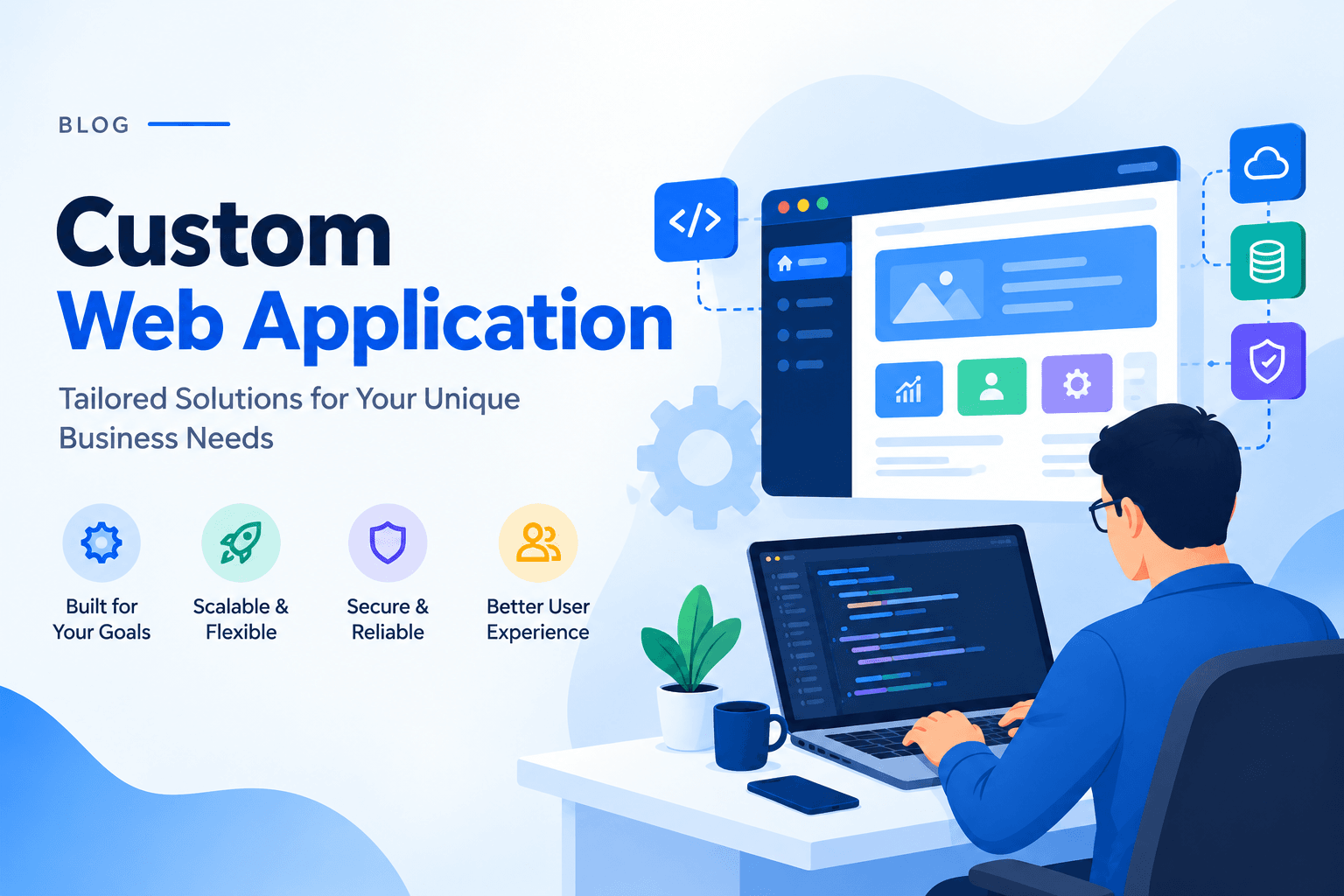
This guide explains the web app development vs website. It discusses what each one is, how it works, who uses it, and the costs to sustain it. The idea here is to help you find out what your business really needs at the moment.
1.What Is a Marketing Website?
A marketing website’s main objective is to inform, persuade, and guide a visitor toward an action. Such an action might be booking a call, filling out a form, or making a purchase. It presents information and does not run the rules of your business.
Core Characteristics of a Website
- Information mostly flows one way, from you to the visitor. Interaction stays limited to basic forms.
- Anyone can view it without creating an account.
- The structure is built around pages, blog posts, product lists, and landing pages. These support search ranking and conversion.
- Data needs stay simple. Content usually lives in a lightweight content system rather than a complex database.
- A well-planned version can go live in weeks rather than months.
Real-World Example
Picture a professional services firm’s site. Visitors read about the firm’s experience. They look through case studies and submit a contact form. The whole purpose is to build trust and capture interest. The site does not need to remember the visitor next time. It does not process payments or manage ongoing work.
2.What Is a Custom Web Application?
A custom web application is software built around the specific ways your business operates. People open it through a browser. It does more than show information. In addition, it lets people manage data, complete transactions, work with colleagues, or use a personal dashboard.
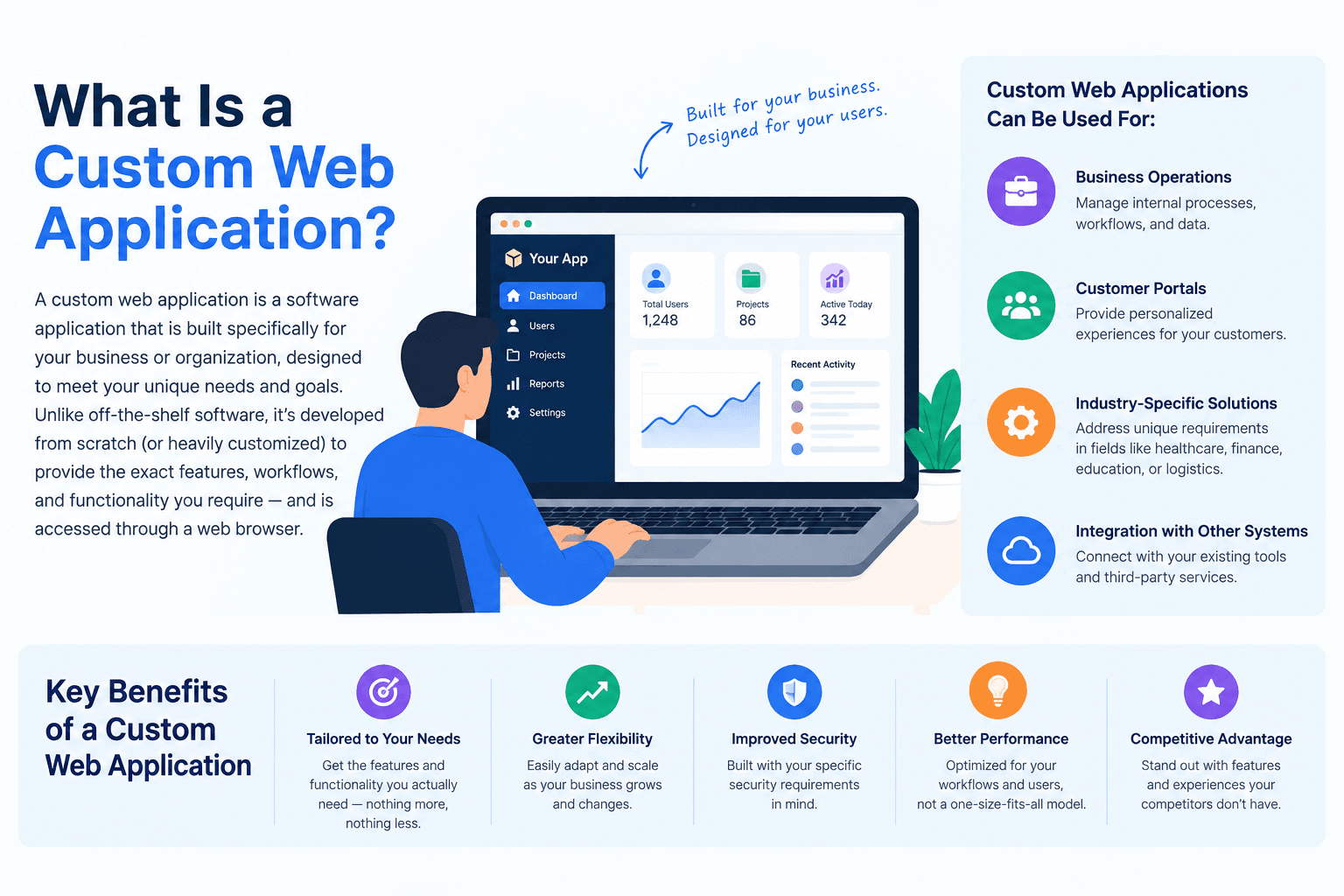
Ready-made tools force your team to adapt to someone else’s process. A custom build is shaped around how your business already works. That difference is why many growing companies eventually leave generic software and invest in something made for them.
Core Characteristics of a Web Application
- Users enter information. After that, the system responds, calculates, stores, or changes it.
- Most require a login ID and a password. The experience is different for each person or company.
- Data is often stored within databases that track the connections between users, transactions, and records.
- It is hard-coded into the system itself with all your rules, calculations, permissions, and workflows.
- These builds are rarely finished. They keep gaining features as the business grows.
Real-World Example
A logistics company created an internal dashboard for its dispatch team. Dispatchers sign in. They see live shipment statuses pulled from several carrier systems, reassign drivers when delays happen, and generate reports automatically. None of that works on a public marketing site. It needs controlled access, real-time data handling, and rules unique to that company’s operations.
3.Website vs. Web Application: The Real Points of Difference
Let’s discuss the difference between website and custom web application development in a tabular format that will clear all your doubts.
Area | Marketing Site | Custom Application |
Purpose | Inform and influence | Carry out functions and run processes |
Users and Access | Open to the public | Usually requires login; experience changes by user |
Login and Access Control | Rarely needed | Required for accounts, roles, and permissions |
Data Handling | Simple content storage | Tracks relationships between users, orders, inventory, etc. in real time |
Connections to Other Tools | Often limited to email or booking tools | Frequently links to payments, CRMs, shipping systems, and internal tools |
Ability to Grow | Mostly about traffic and page delivery | Concurrent users, data volume, and performance under load |
Cost and Investment | Lower to build and keep running | Higher upfront cost plus ongoing feature work |
Continuous Consideration | Periodic content updates and occasional redesigns | Continuous fixes, security reviews, and new features |
3.1.Purpose
One exists mainly to communicate and persuade. The other exists to perform work and run processes. One tells the story. The other carries out the tasks.
3.2.Users and Access
Public sites are open by default. Systems that need accounts usually control access. The experience changes depending on who is using it. A customer area shows different information to each person. A public page shows the same content to everyone.
3.3.Login and Access Control
If the project needs user accounts, password handling, role-based permissions, or single sign-on, the technical and security requirements jump. Login systems bring session management and data protection rules that a simple public site never faces.
3.4.Data Handling
A public site usually needs space for pages, images, and posts. A more interactive system needs a database. That database tracks connections between users, orders, inventory, and permissions. It updates those connections as people use it.
3.5.Ability to Grow
For a public site, the main challenge is handling traffic and delivering pages quickly. For an interactive system, the challenge is supporting many users at once. It also involves growing data volume and keeping performance steady under load. As activity increases, the logic and data layers need to scale, not just the page delivery.
3.6.Cost and Investment
Public sites generally cost less to build and maintain. The scope is narrower, and the technical work is lighter. Interactive systems need more investment up front. This covers structure, data design, access control, testing, and ongoing features. The return often shows up in reduced manual work and smoother operations, not only in new revenue.
3.7.Continuous Consideration
A publicly available site requires regular content updates, security fixes, and periodic redesigns. An interactive system needs continuous attention. It consists of bug fixing, performance audits, security evaluation, and feature enhancement based on changing business needs. It is just as important to plan for this continual expense as you do for the initial build.
4.When to Choose a Marketing Website
However, if exposure, credibility, and lead generation are your priorities, a public site is the way to go. It makes sense if:
- To sum it up, you have to gain experience and recognition in a world that already has established PR agencies.
- It is content-led, visibility in search, or brand-forward storytelling.
- You do not have to manage accounts or any data specific to a user.
- A cheaper, quicker launch is best for budget and timeline.
- Everyday processes continue working effectively via email, phone, or some tools already in use.
For most small and mid-sized businesses, a strong public site covers a large share of digital needs. Speed also matters. Research reveals that the probability of visitors abandoning a website increases significantly when page load time increases from one second to five seconds. A further analysis of over a hundred million pageviews found that pages loading within one second had almost three times better conversions than those taking five seconds to load. A slow-loading site, even when clearly and excellently written, loses people before the page is read.
5.When to Choose a Custom Web Application
If the business wants to not just describe a process but actually run one, then an interactive system is the right choice.
- If you need accounts, permissions, or personal dashboards.
- The case is based on real-time data, transactions, or a form of automated workflows.
- You are doing the legwork of dealing with spreadsheets, email chains, or disconnected work tools.
- In one location, all systems have to work together. The competitive edge relies on a logic that packaged solutions just cannot match.
6.What Each Option Actually Costs to Own
The first price is only part of the picture. The real comparison is the total cost of ownership. That means what you pay to build it plus what you pay to run and improve it over time.
Website Cost Drivers
- Design and content creation, often the largest item.
- Basic search setup and on-page work.
- Hosting, which is usually inexpensive for content sites.
- Periodic redesigns, typically every two to three years, as branding changes.
Web Application Cost Drivers
- System structure and data design, done before any screen is built.
- Custom feature work, priced by module or workflow.
- Security work, including access control, encryption, and compliance needs.
- Quality checks and testing across devices, browsers, and user roles.
- Ongoing hosting costs that rise with usage, because interactive systems often need more computing power.
- A dedicated maintenance budget, since fixes, connections, and new requests are normal parts of the life cycle rather than rare events.
Buyers who ignore the second category are the ones surprised a year later. The finished system suddenly needs a new module, a security update, or a performance upgrade that was never in the original conversation.
7.Why Most Enterprises Need Both
In practice, many companies do not choose one or the other. They build a public site to attract and convert visitors. Then they connect it to an interactive system that powers the actual product or service experience. A subscription business, for example, might run its public content on one side. One side has the customer login area, billing dashboard, and account tools.
This tiered system allows each component to specialize. The public side is about search ranking, storytelling, and conversion. Functional data and post-signup experience is what the interactive side emphasizes. Trying to force both jobs onto a single system usually produces a slow, overbuilt public site. Or it generates a little promoted interactive system that hardly anyone locates.
8.How to Decide Which One is Better for You?
Walk through these questions before you commit:
- Does the system need accounts or personalized experiences? If yes, lean toward the interactive build.
- Will it process transactions, manage inventory, or handle sensitive data? If yes, lean toward the interactive build.
- Is the primary goal to inform and convert visitors into leads? If yes, a public site likely covers it.
- Does the team need to automate an internal process that currently relies on spreadsheets or manual work? That points to the interactive build.
- What is the realistic budget and timeline? Be honest about what each option actually requires before locking in scope.
Answering these questions honestly helps. Get input from both business stakeholders and technical leads. This prevents the two most expensive mistakes: underbuilding a system that needs to grow or overbuilding one that never needed the complexity.
9.Conclusion
Custom Web application vs website are not just technical terms. It shapes budget, timeline, maintenance load, and whether the investment produces real business results. Or whether it simply sits online looking finished.
A public site builds trust and generates leads. An interactive system runs parts of the business and creates operational gains that grow over time. The companies that get the most value are not the ones that chase the trendier option. They are the ones that match the build to the actual job it needs to do. They also revisit that decision as the business grows and its needs change.
Before the next digital project starts, get clear on which one you are actually building. That single early decision will save more time and money than almost any other choice in the process.
10.People May Also Ask
Check out these additional questions on custom web application vs website to know more in detail.
Q1. What is the main difference between website and web application?
Ans. One mainly presents information to visitors. The other lets people interact with data, complete tasks, and access personalized features, usually after signing in.
Q2. Why choose a custom build instead of ready-made software?
Ans. Ready-made tools force a business to adapt its processes to fit the tool. A custom build is shaped around existing workflows. It gives more control, better scaling options, and a stronger edge over time.
Q3. How do I know which one my business needs?
Ans. Ask whether the system needs to remember users, process transactions, or change behavior based on who is signed in. If yes, the interactive build is required. If the experience is the same for every visitor, a public site is enough.
Q4. What is a marketing site used for?
Ans. It is used to build brand credibility, communicate value, rank in search engines, and convert visitors into leads or customers through content and clear next steps.
Q5. Is the interactive version more expensive?
Ans. Generally yes. It requires structure, access control, data design, and ongoing maintenance. Public sites have a narrower scope and lower long-term technical overhead.
Q6. Can a business use both together?
Ans. Yes, and many companies do. A common approach uses a public site for visibility and lead generation. It connects to an interactive system that powers the actual product, login area, or customer dashboard.